Trusted partner in LED and AV Solutions




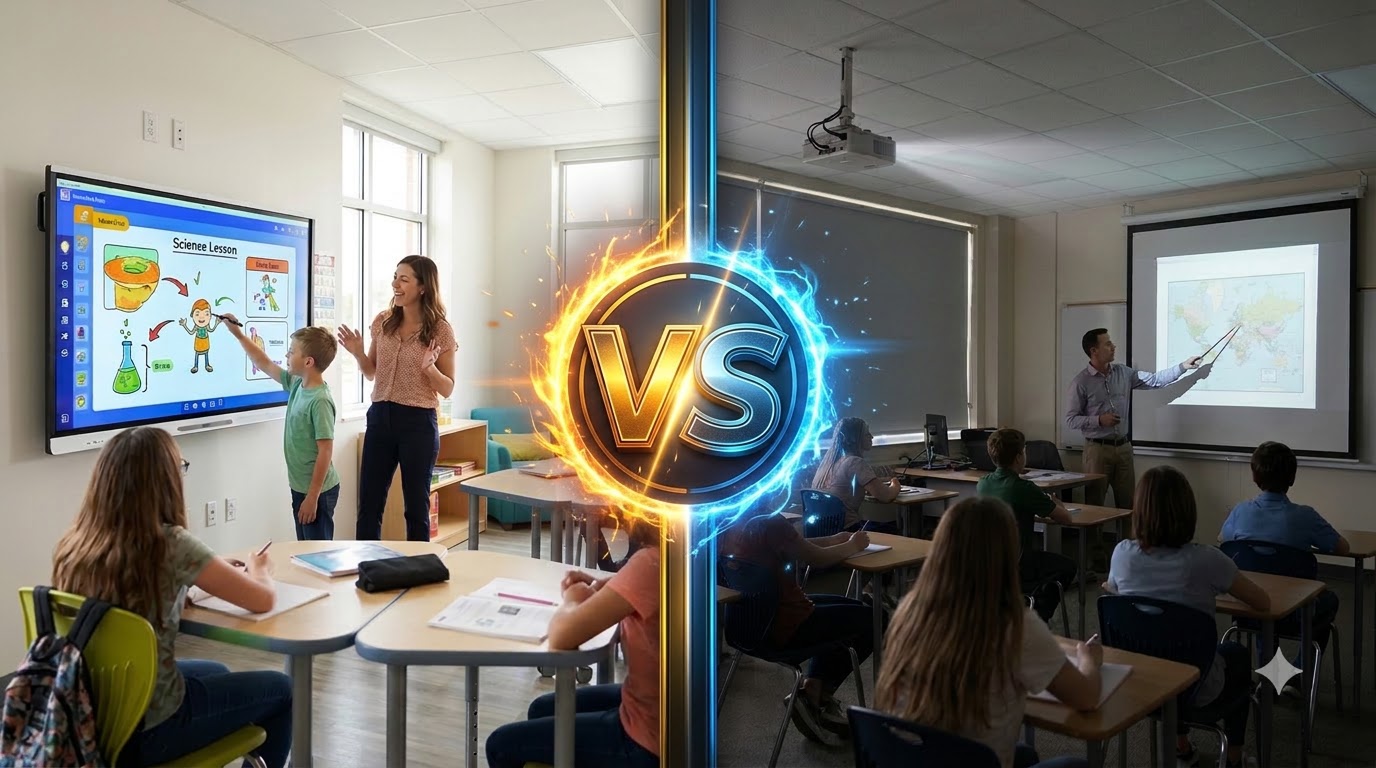

Many UAE schools are replacing the aging projectors installed a decade ago. Today, the choice is no longer one type of display but three: interactive flat panels, modern projectors, and LED video walls. Each suits different rooms, budgets, and teaching styles.
Interactive panels are the right choice for most classrooms, LED walls for lecture theaters and auditoriums, and projectors still work in tight spaces and cheap, dark rooms. Here’s the guide on why, so you get the right display for every classroom. If you’re upgrading across the campus, our wider smart classroom solutions in the UAE encompass the whole estate.
The Three Options at a Glance
| Interactive flat panel | Projector | |
| Typical screen size | 65″ to 86″ (up to 98″) | 80″ to 120″+ |
| Visibility in a sunlit room | Good | Poor unless the room is darkened |
| Touch and annotation | Built in | Only with an interactive projector or add-on |
| Typical lifespan | 30,000–50,000 hours | 3,000–10,000 hours (lamp); about 20,000 hours (laser) |
| Ongoing upkeep | very low | Lamps, filters, alignment |
| Best room type | Standard classrooms, labs | Dim rooms on a tight budget |
Interactive Flat Panels
An interactive flat panel is a large touchscreen display, like a giant tablet mounted on the wall or on a mobile stand. Most run their own built-in software for whiteboarding and screen sharing. Many also take a slot-in PC, so teachers can run full Windows or Chrome apps without a separate laptop.
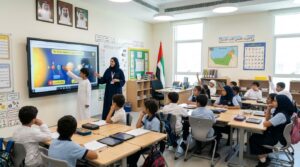
Typical classroom sizes are 65″, 75″, and 86″. An 86″ panel suits most standard classrooms up to about 6–7 meters deep.
Pros
- Touch and annotation. Teachers and students can write, draw, and drag directly on the screen, and several people can touch at once.
- Bright and clear. A backlit screen stays readable with blinds open, which matters in sunny UAE classrooms.
- No bulbs or filters. Nothing to replace, and no warm-up time: the panel is ready as soon as it’s switched on.
- Long life. A typical lifespan of 30,000–50,000 hours is more than ten years of school days.
Cons
- Size limit. Beyond about 86″–98″, panels become expensive and heavy, so they’re not ideal for large halls.
- Higher upfront cost than a basic projector, although lower running costs close much of the gap over time.
Interactive flat panels are best for standard classrooms, KG and primary rooms, science labs and small training rooms.
Projectors (Short-Throw and Standard)
Projectors are still common in UAE schools. A standard projector hangs from the ceiling and throws the image across the room. A short-throw or ultra-short-throw projector sits just above the board, which cuts shadows and glare in the teacher’s eyes. Modern laser projectors have also replaced lamps in many new models.

Pros
- Large image for less money. A projector can fill a 100″–120″ screen for a lower upfront cost than a panel of the same size.
- Flexible. Image size can be adjusted to suit the wall or screen you already have.
Cons
- Washed out in sunlight. Bright UAE daylight makes projected images fade unless blinds stay closed, which isn’t ideal for learning.
- Lamps and filters. Lamp models need new bulbs every 3,000–10,000 hours, and filters need cleaning, especially with dust.
- Shadows. With standard projectors, the teacher’s shadow falls on the image whenever they stand at the board.
- Dust and heat. Fans pull in dust, which can dim the image and shorten the projector’s life over time.
- Touch costs extra. Interactivity needs an interactive projector or an add-on kit, and calibration can drift.
Choose projectors if you can darken the classroom, temporary spaces, or upgrades on a very tight budget. If you choose projection, a laser short-throw model is the most practical option for classrooms.
LED Video Walls
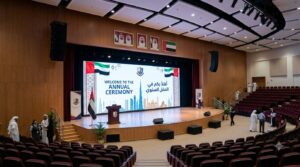
An LED video wall is built from small LED modules joined into one seamless screen. Because it’s modular, it can be made almost any size or shape, from a 110″ classroom display to a full-width wall in a lecture theater. Fine-pitch LED, where the pixels sit very close together, keeps text sharp even for viewers near the front.
Pros
- Any size, no seams. Unlike tiled panels, there are no bezels cutting through slides or video.
- Very bright. LED stays vivid with house lights on and blinds open, so rooms don’t need to be darkened.
- Readable from far away. Large halls can use a screen big enough for the back row to read slides comfortably.
- Long life. A typical lifespan of 50,000–100,000 hours, with individual modules replaceable if one fails.
Cons
- Higher upfront cost, especially for fine-pitch models.
- No built-in touch. For interaction, pair the wall with a lectern touchscreen or a smaller interactive panel.
- Needs a control setup. A processor and control system run the wall, so professional installation matters.
LED video walls are the best choice for lecture halls, auditoriums, multipurpose halls, and large training rooms. See our Smart Classroom LED System for LED displays designed for education.
What Matters Most in UAE Classrooms
Specification sheets list many numbers, but five factors decide which display works in a UAE school.
- Sunlight and glare. Many classrooms have large windows and strong daylight for most of the year. Choose a display that stays readable with blinds open. Panels and LEDs do this far better than projectors.
- Dust and heat. Fine desert dust gets into projector fans and filters. Sealed panels and LED modules handle it better and need less cleaning.
- Energy use. Displays run for 6–8 hours a day, five days a week. Panels with auto-sleep and LED with brightness control keep energy bills down.
- How much teachers use touch. If lessons rely on writing, annotation, and student interaction, choose an interactive panel. If the screen mainly shows slides and video, an LED or a projector is enough.
- Sightlines from the back row. Every student must be able to read the screen. A common rule of thumb: the furthest student should sit no more than about 6 times the screen’s height away for general content, or about 4 times for detailed text and diagrams. An 86″ panel is about 1.07 m tall, which gives a comfortable distance of roughly 4.3–6.4 m. Confirm screen size against your room layout with your AV team.
Matching the Display to the Room
| Room type | Recommended display | why |
| KG and primary classrooms | 65″–75″ interactive panel, height-adjustable stand | Young children learn by touching, and the screen must be low enough for them to reach |
| Secondary classrooms | 75″–86″ interactive panel | Annotation, group work and screen sharing from student devices |
| Science labs and STEM rooms | 75″–86″ interactive panel + document camera | Shows experiments and models live, and is easy to wipe clean |
| Lecture halls and auditoriums | LED video wall (+ lectern touchscreen) | Readable from the back row with lights on. See our auditorium AV solutions |
| Training rooms | 86″–98″ panel, or LED for rooms over about 7 m deep | Touch for workshops, size for presentations |
| Rooms on a tight budget | Laser short-throw projector | Lowest upfront cost for a large image, if the room can be darkened |
Total Cost of Ownership Over 5–7 Years
Lowest upfront cost for a large image, if the room can be darkened
| Running cost | Interactive Panel | Projector |
| Replacement parts | Rarely needed | Lamps on lamp models; filters |
| Cleaning and calibration | Wipe screen | Filter cleaning, image alignment, touch recalibration |
| Energy use | Low to moderate | Moderate (lamp) to low (laser) |
| Maintenance visits | few | Most frequent |
| Expected life vs 5–7 year cycle | Exceeds it | Lamps replaced several times; laser exceeds it |
In practice:
- Interactive panels cost more upfront but very little to run, so they often work out cheaper than lamp projectors over the full cycle.
- Lamp projectors look cheap at purchase, but lamps, filters, and service visits add up across dozens of classrooms. Laser projectors reduce most of this.
- LED walls are the biggest upfront investment, but their long life means one wall can serve a hall well beyond a normal replacement cycle.
When comparing quotes, ask each supplier for the expected running cost per room per year, not just the purchase price.
Frequently asked questions
Can I keep my existing projectors and add touch?
Yes. Add-on touch kits and interactive projectors can make an existing projected board interactive. Accuracy, calibration, and image brightness are usually weaker than a panel’s, though. If a projector is near the end of its life, replacing it with a panel is often better value.
Do interactive panels need a separate PC?
Not always. Most panels have built-in software for whiteboarding, browsing, and wireless screen sharing. For full Windows or Chrome apps, add a slot-in PC module (OPS) that sits inside the panel with no extra cables, or connect the teacher’s laptop.
How long do classroom interactive panels last?
Most panels are rated for 30,000–50,000 hours. At 8 hours a day on school days, that’s well over ten years. Software updates and warranty terms matter as much as the hardware, so check both before you buy.
Is an LED wall worth it for a classroom?
For a standard classroom, usually not: an interactive panel gives touch at a lower cost. LED becomes worth it in rooms too large for a panel, such as lecture halls, auditoriums, and multipurpose halls, where readability from the back row matters most.
Need help choosing the right display for each room?
Our team surveys your classrooms and recommends the right mix of panels, LED and projection for every space. Book a free classroom survey →